

Skybox V6 Remote Control
Skybox V6 Remote Control
Couldn't load pickup availability
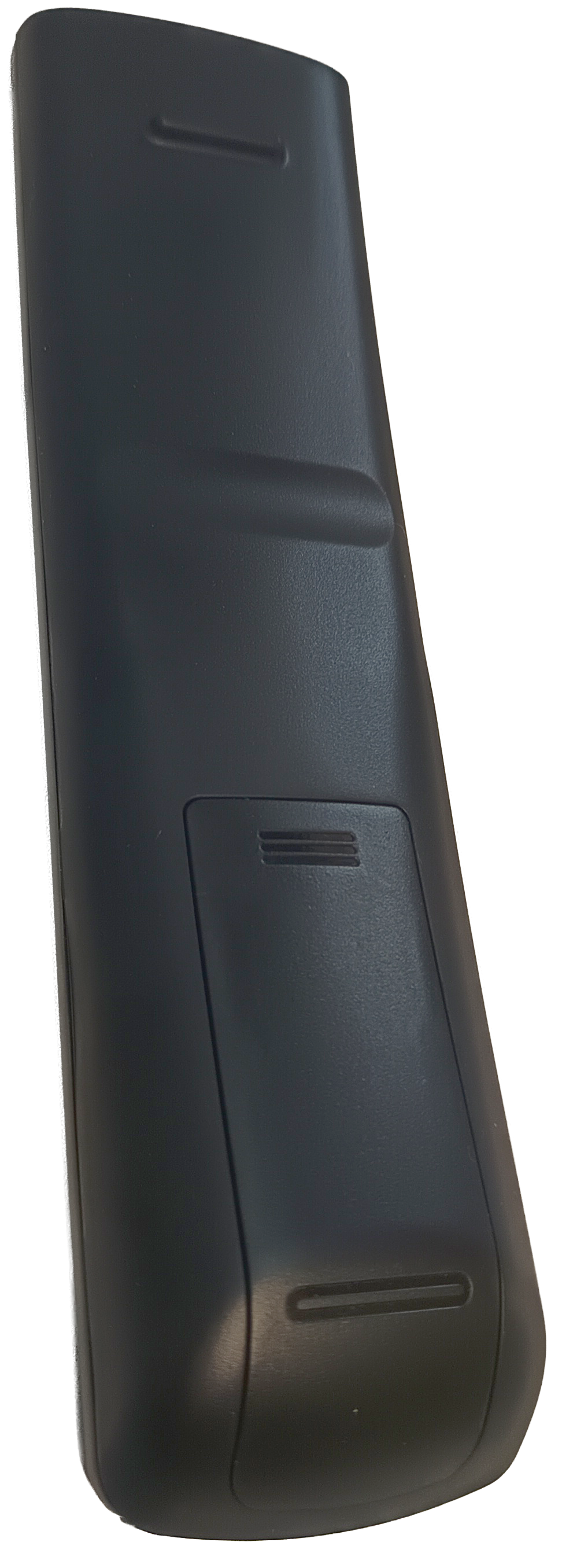
Replacement remote control for the Skybox V6 Satellite Receiver. This is the same handset supplied with a new V6 from NZSAT, sold separately as a spare or a replacement for a lost or damaged unit.
No pairing or programming is needed. Fit batteries, and the remote is ready to use.
-Direct replacement for the handset supplied with the Skybox V6
-Works with the V6 built-in IR sensor and with the external IR eye and extension cable
-Requires 2 x AAA batteries (not included)
-Remote control only, receiver not included
Note: This handset is coded for the Skybox V6 sold by NZSAT. Satellite receivers from other brands, including models that look similar, use different remote codes and will not respond to it. Compare the button layout against the photos before ordering.
Before you replace the remote: If the V6 has stopped responding, unplug the external IR eye and try the remote pointed directly at the front of the receiver. A damaged extension lead or an IR eye knocked out of position behaves exactly like a dead remote. You can also point the remote at a phone's front-facing camera and hold a button down. Most front cameras will show the IR LED flashing on screen when the remote is transmitting - if you see the IR LED on screen, it is likely your remote is not the issue (check the external IR eye and the receiver itself). Rear cameras on modern phones usually have an infrared cut filter and will show nothing even on a working remote.
Share